
Make a photo
move.
Give it your picture, and a video to copy the movement from. Your picture is what moves — the video only lends the motion.
Two inputs, and they do different jobs.
This is the part people get wrong, so it is worth ten seconds.
Your photo — the subject
This is what you see moving. A portrait, a character, an old family photograph. Everything in the result comes from here.
A video — the movement
Only the motion is taken. Whoever is in the clip does not appear in the result: not their face, not the room, not the clothes.
How to animate a photo
Three steps. The second one is the one to read.
1 · Your photo
The picture you want to bring to life. A portrait, a character you generated, an old photograph.
2 · A video, for the movement only
Whatever moves in the clip is how your photo will move. Nobody from the video appears in the result.
3 · Generate
Your picture comes back as a clip, moving the way the video moved.
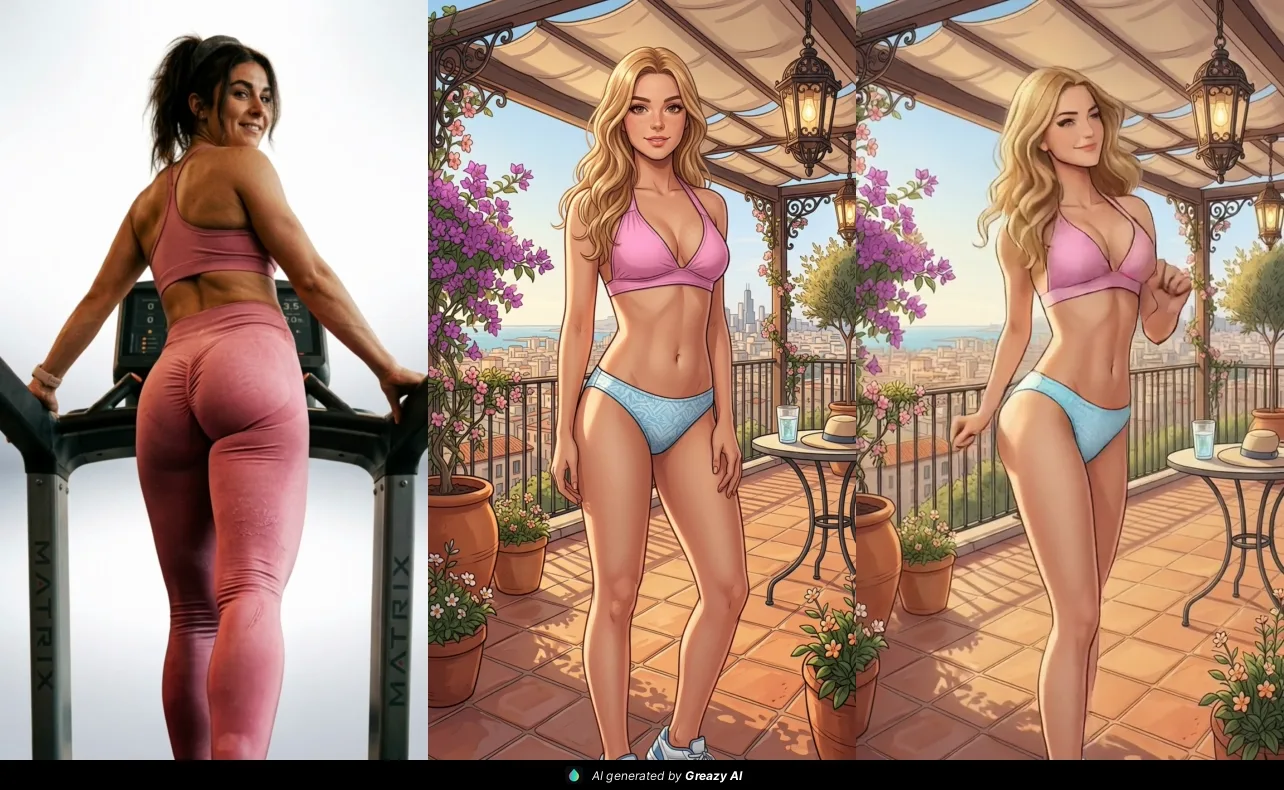
What people make with it
A character that moves
Generate someone in the image studio, then give them a walk, a turn, a gesture.
An old photograph, moving
A still from years ago, brought into motion instead of sitting flat on a page.
A portrait with life in it
One good picture of a person, doing the thing you show it rather than staring at the camera.
Questions people ask about animating a photo
What do I give it?
Two things: the photo you want to move, and a video whose movement it should copy. The photo is what you see in the result. The video only lends the motion.
Does the person in the video show up in the result?
No. Nothing of the video appears — not the face, not the room, not the clothes. It is there to say how to move, and nothing else.
What makes a good photo to animate?
Sharp, well lit, the subject facing roughly forward with a little space around them. A blurry photo animates into a blurry clip.
What makes a good driving video?
One person, clearly visible, with movement you actually want — a dance, a turn of the head, a gesture. Steady footage beats a shaky phone clip.
Can I animate a picture I made in the studio?
Yes. Generate a character in the image studio, then bring it here and give it something to copy. That is the pair most people end up using. Image studio
How is this different from a swap?
A swap changes who is in your footage. Animate changes nothing about your picture — it just makes it move. Head swap
What does it cost?
It is a video render and it spends golden credits, like the swap tools. What a job spends is shown on your account before it runs.
One account, every tool.
Animate sits in the swap studio beside head swap and character swap, on the same account as your conversations.