
Face swap for video,
and nothing else moves.
Drop in a clip and a photo. The face is replaced from start to finish and stays on the right person after every cut. Video, GIF or a single photo.
One face changes, and it holds through the cut.
Body, clothes, room, timing and sound all stay. The hairline travels with the new face, so the amount of hair can change — head swap is the one that takes the hair on purpose. The pairing you set holds across every cut.
What people make with it
A few of the jobs it does well.
A face for your socials
Shy on camera? Build one AI persona and post as them. Your own face stays private.
Ads for every market
Shoot the clip once. Change the presenter for each audience.
Memes for the group chat
Drop your crew into a famous scene. Send it before dinner.
Recast a scene
Film with whoever was free. Decide who is in it afterwards.
How to swap a face in a video
Three steps. The middle one is the one people skip.
1 · Upload
Your video, GIF or photo, plus one sharp picture of the face you want.
2 · Point at the faces
Say who is being replaced, and by whom. With four people on screen, this is the step that decides.
3 · Preview, then render
One frame tells you whether it works. Then the job runs and you can close the tab.
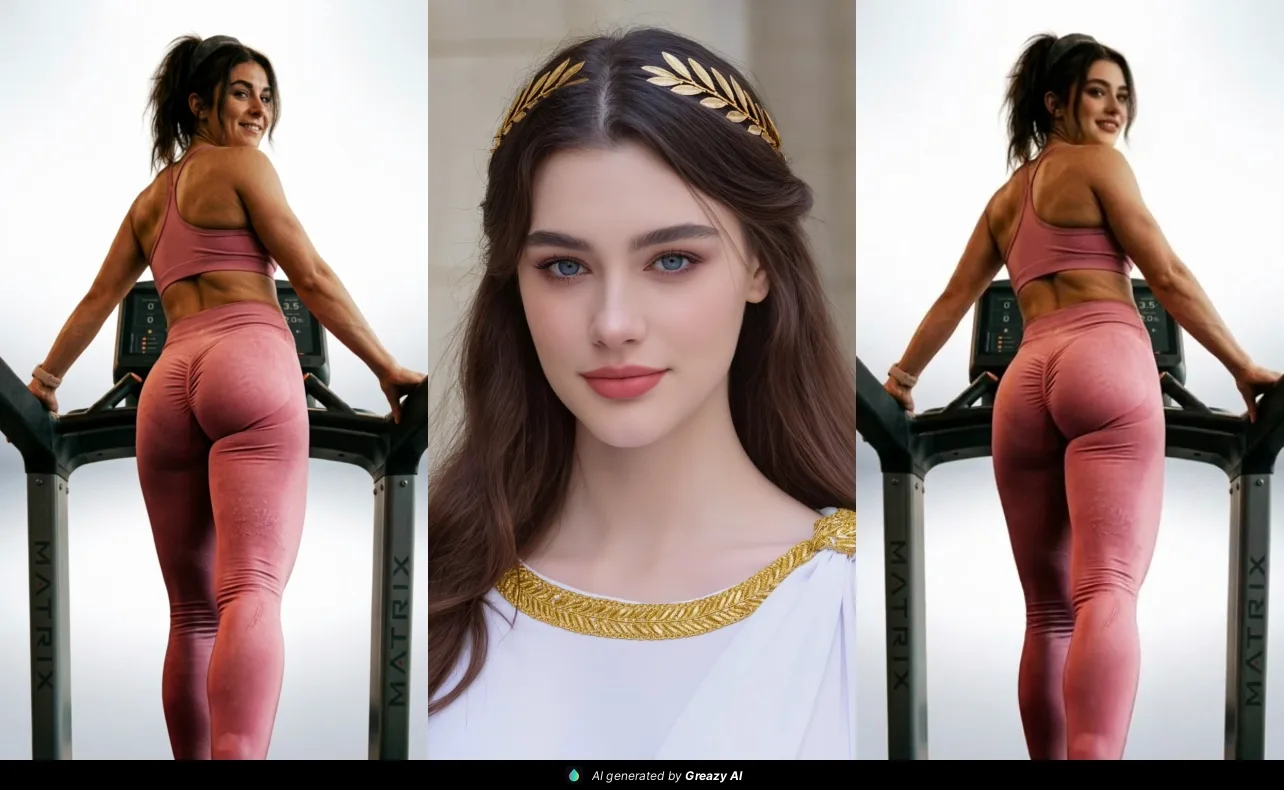
V1 for speed. V2 when the shot is busy.
One switch in the studio. Here is how to set it.
V1 · fast
The quick one, and the default. On clean, steady footage with the face in the open it is fast and dependable.
V2 · bigger
Pick it when a hand, a microphone or hair crosses the face. Cleaner edges, more detail held, better quality overall. On the paid plans.
Enhance
A switch that cleans the face up on the way out. Turn it on with V2 when your photo or your clip is rough. Leave it off when both are sharp.
What a swap spends
Renders spend golden credits, and every plan carries them.
Free
- 20 golden credits a month, plus 10 a day for signing in
- 10 golden credits free every day
Friend
- 500 golden credits a month, plus 20 a day for signing in
- 20 golden credits free every day
Closer
- 3,000 golden credits a month, plus 30 a day for signing in
- 30 golden credits free every day
Always
- 9,000 golden credits a month, plus 100 a day for signing in
- 100 golden credits free every day
Preview one frame for a credit; a full render follows the length of the clip, and what it spends is shown before it runs.
Golden credits are what pictures and video renders spend; the chat spends token credits from the same plan. An allowance you have not spent is replaced when it refills rather than added to. Plans and credits
Questions people ask about face swap
Can I use it today?
Yes. Face swap runs on video, GIFs and photos, one face or several, with a one-frame preview before a full render. It is on the paid plans; the chat and head swap on a photo are free to start.
What is the difference between V1 and V2?
V1 is fast and reliable on clean footage, and it is the default. V2 handles busy shots better — a hand, a microphone or hair crossing the face — and holds edges and detail. V2 is on the paid plans.
What does Enhance do?
It cleans up the face on the way out. Turn it on with V2 when your source photo or video is poor quality, and leave it off when both are already sharp.
Does it work on photos and GIFs?
Yes. The same tool takes a video, a GIF or a still photo, and gives back the same kind of file with the face changed.
What makes a good source photograph?
Sharp beats large: evenly lit, head upright, roughly facing the camera, and nothing crossing it. Your footage counts as much as the photograph does.
What does a swap cost?
The one-frame preview is a single golden credit. A full render is a video render, so it follows the length of the clip, and what a job spends is shown before it runs.
Bring a clip and a photograph.
The rest of the studio is on the same account: head swap and character swap on pictures, image editing beside them, and an AI companion that remembers you. One balance runs all of it.