
Make a picture, or change one, by describing it.
Write what you want and get it. Open a picture you have and change part of it. Or use the head swap tab to put one person's head on another photo — all in the same studio.
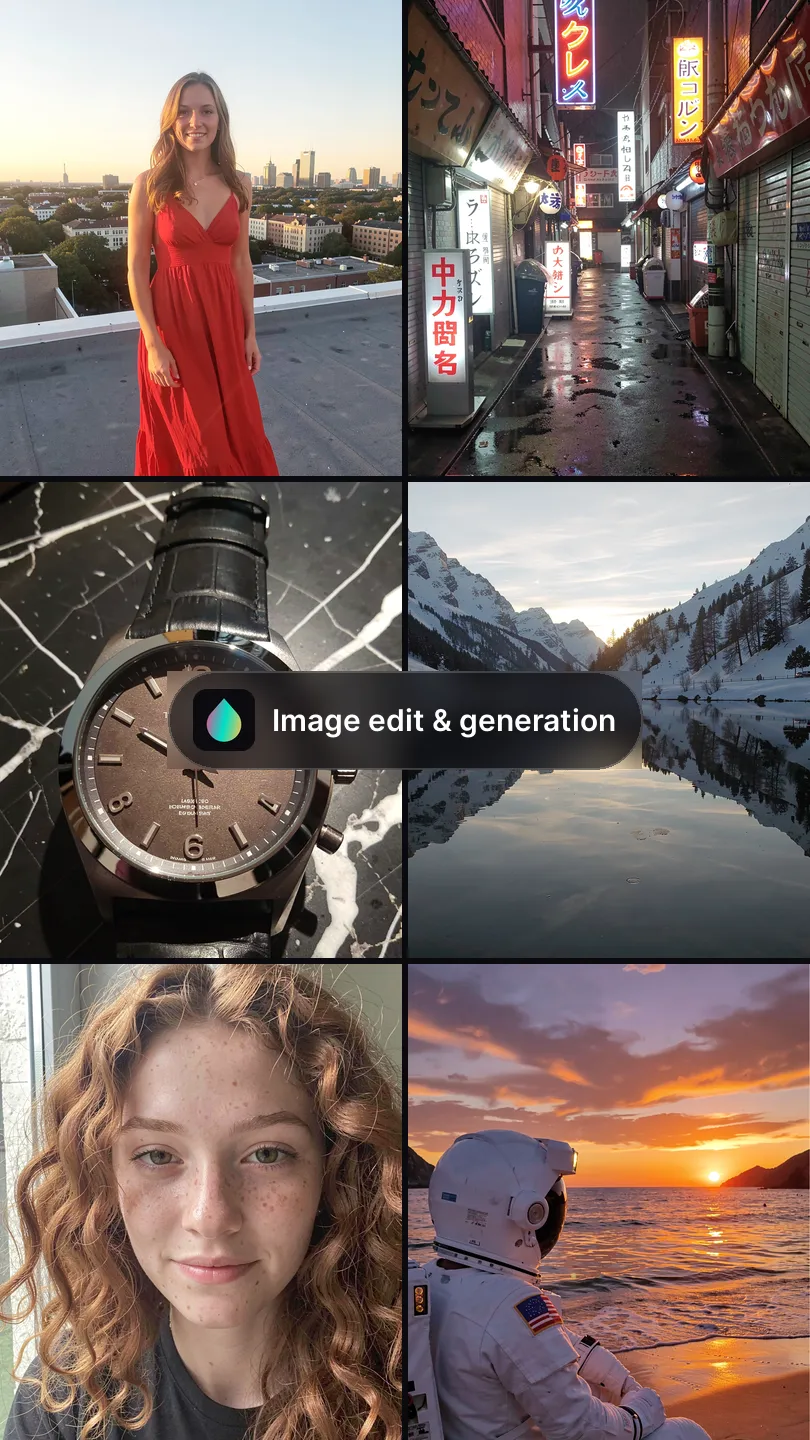
- What you paint is the only part that is rebuilt.
- With nothing painted, the composition holds: same subject, same crop.
Two ways to change a picture you have
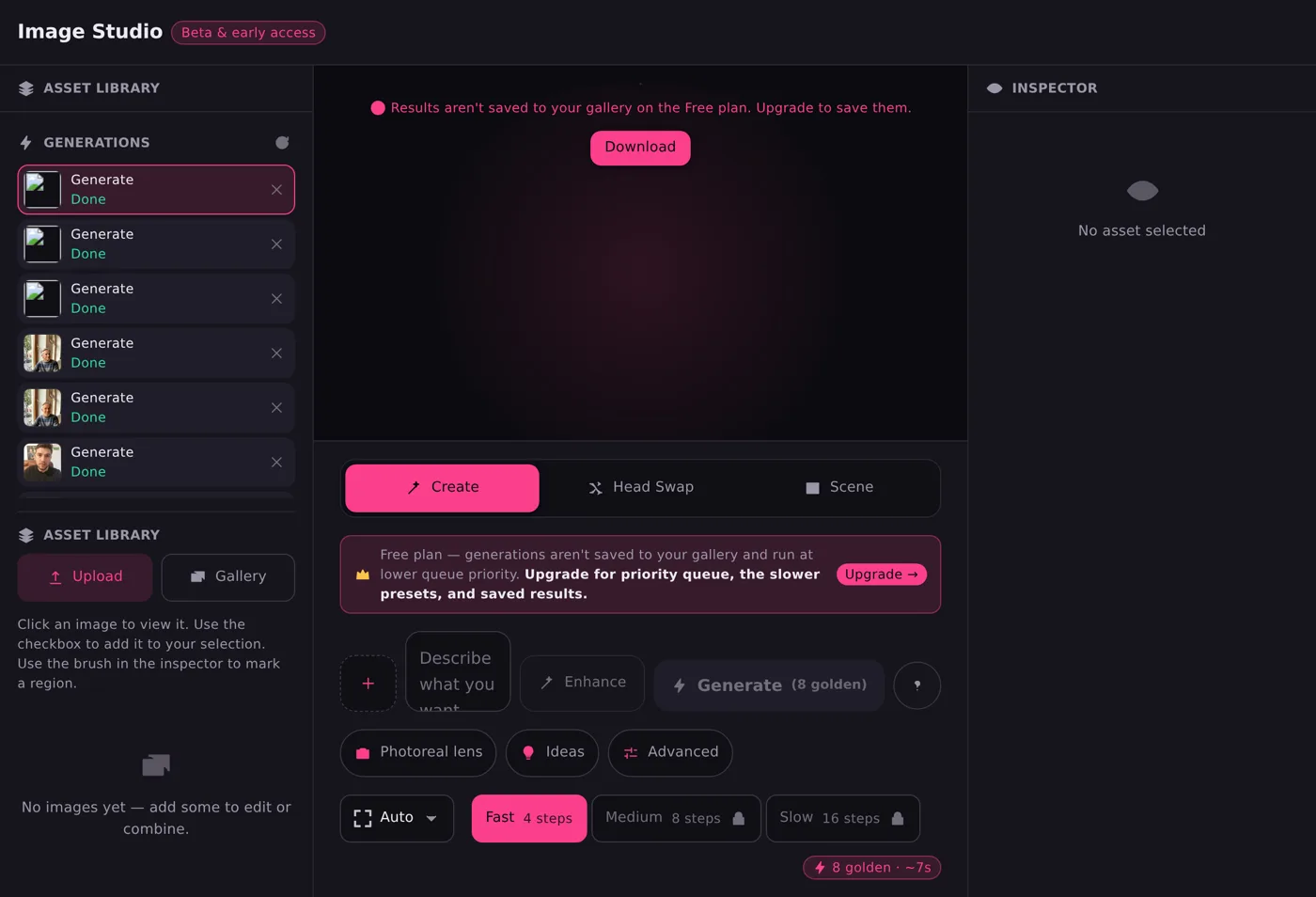
Need one particular person in the picture instead? Head swap is the second mode of this studio and puts a head onto the body in your photo; character swap replaces the whole person.
Or start from nothing at all
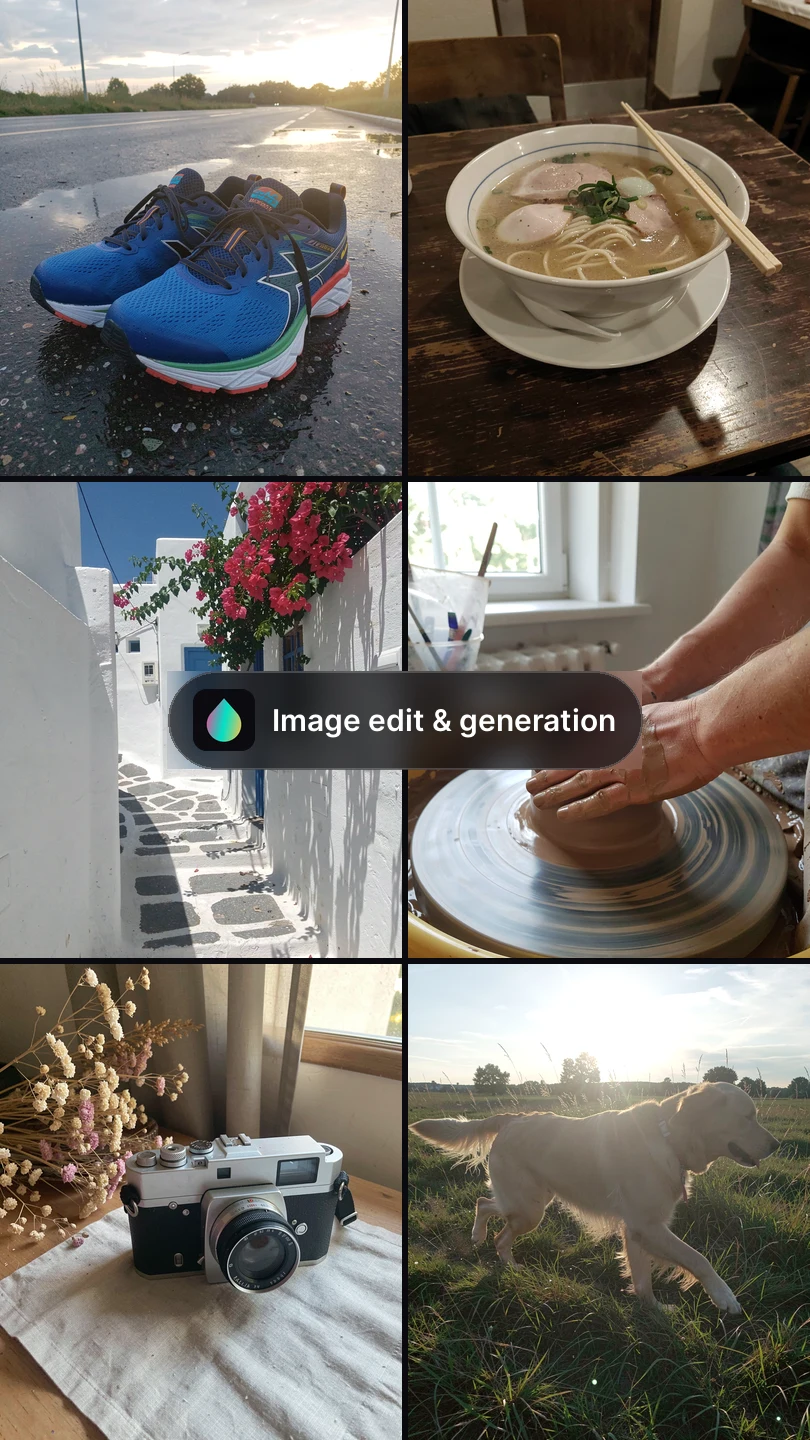
No file, just a sentence. Describe the picture and it is written from the words.
Head swap, on a photograph
The third mode in the studio. Two pictures in, no prompt to write.
Target — the picture you keep
The body, the clothing, the pose and the background all stay exactly as they are in this one.
Source — the head that goes in
One clear photograph of the person. The whole head travels: hair, hairline, ears and jaw.
Nothing to describe
There is no prompt on this mode. Add the two pictures and it runs — the template does the writing.
Working on footage rather than a photograph? Head swap is the same idea in the swap studio, where it holds through a whole clip.
Three steps, whichever half you are using
1 · Write it
What is in it, and what has to survive the change.
2 · Say where
Brush a region, or brush nothing and it applies to the whole picture.
3 · Look at the edge
Draw wider, change one clause, run it again.
What it costs on each plan
Pictures and edits spend golden credits, refilled monthly — with a few more each day you sign in.
Free
- 30 golden credits a month, plus 10 a day for signing in
- 10 more free every day
- About 3 pictures or edits a window
Friend
- 1,200 golden credits a month, plus 20 a day for signing in
- 20 more free every day
- About 150 pictures or edits a window
Closer
- 3,500 golden credits a month, plus 30 a day for signing in
- 30 more free every day
- About 437 pictures or edits a window
Always
- 9,000 golden credits a month, plus 50 a day for signing in
- 50 more free every day
- About 1,125 pictures or edits a window
8 golden credits a job, for either half. What a job spends is confirmed on the account before anything runs. The chat spends token credits — both sit with the plans.
Edit pictures you have the right to edit. Your own, or someone else’s with their agreement. That does not soften because a tool made the change, and a real person named in a description is still that person.
Greazy is not a sexual product. Our terms set out what is and is not allowed here.
Questions about AI image generation and editing
What is AI image editing?
It changes part of a picture, or restyles the whole of it, from an instruction you write. Paint a region and only that is rebuilt; paint nothing and the composition holds.
What is AI image generation?
It makes a picture from a description, with no file to start from. You say what is in it, how it is lit and how it is framed.
Can I use it today?
Yes, on every plan including the free one. The AI companion chat that remembers you runs on the same account and spends token credits instead.
Where does it struggle?
Small text, exact counts, fine repeating patterns, hands at small sizes, and detail that was never in your file. It will not hold one particular person's face either — that is what head swap is for, on a picture you have the right to use.
What does a picture or an edit cost?
8 golden credits either way, from the allowance your plan already gives you. The plans are set out in full.
One account, five features
Pictures sit beside an AI chat that remembers you and never resets, on one account, in six languages.